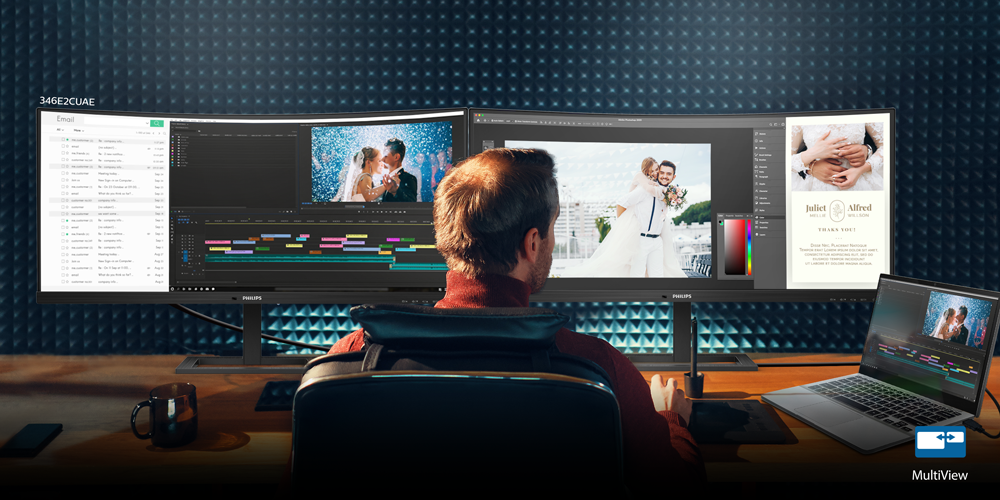
Five Features that Make Images Come Alive
Besides its stylish design, the 346E2CUAE display monitor is also known for its powerful performance for photo editing, with features that bring out the very best of every image.
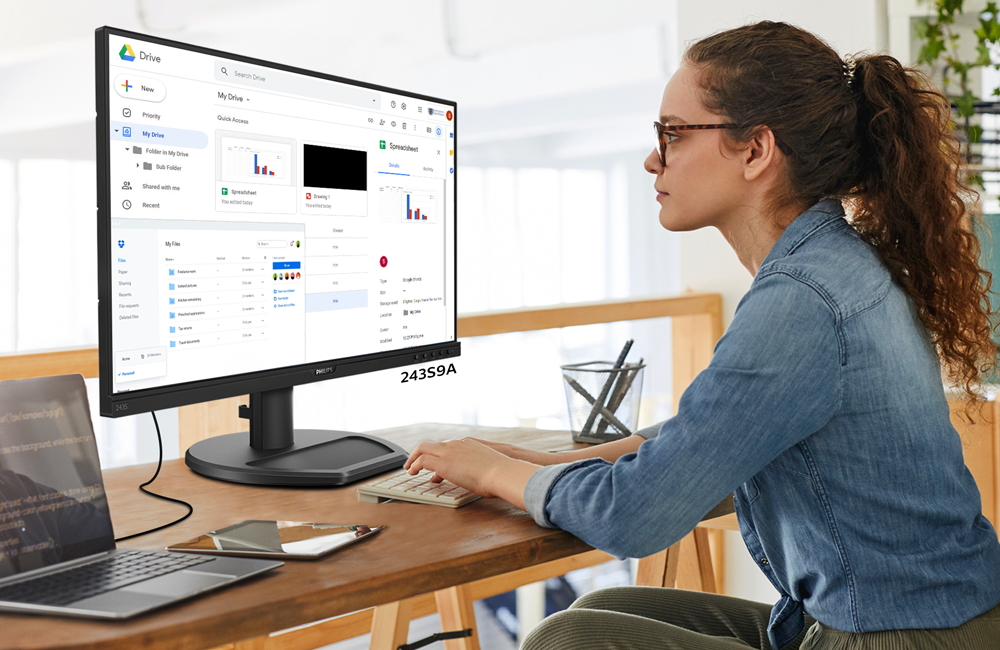
Features That Make This Monitor Great For Students
Due to the global movement restrictions, students of all ages and from around the world have had to quickly adapt to online classes and virtual learning.
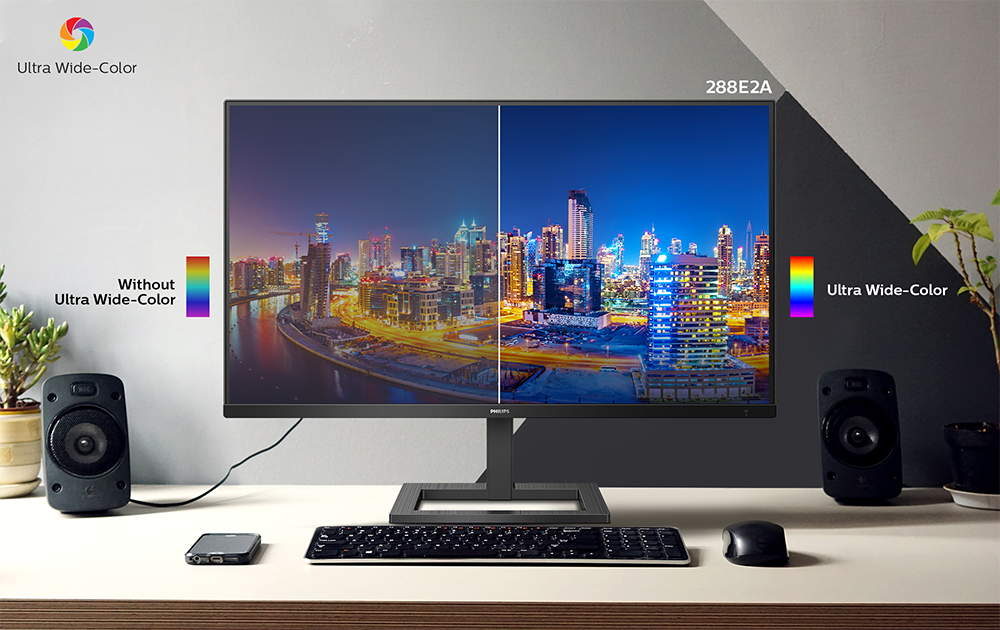
Five Features That Make A Good Home Office Monitor
These days, office workers are commonly working from home, either fully or alternately. Whether this will be a long or short-term arrangement, these new norms have affected work productivity for the majority.
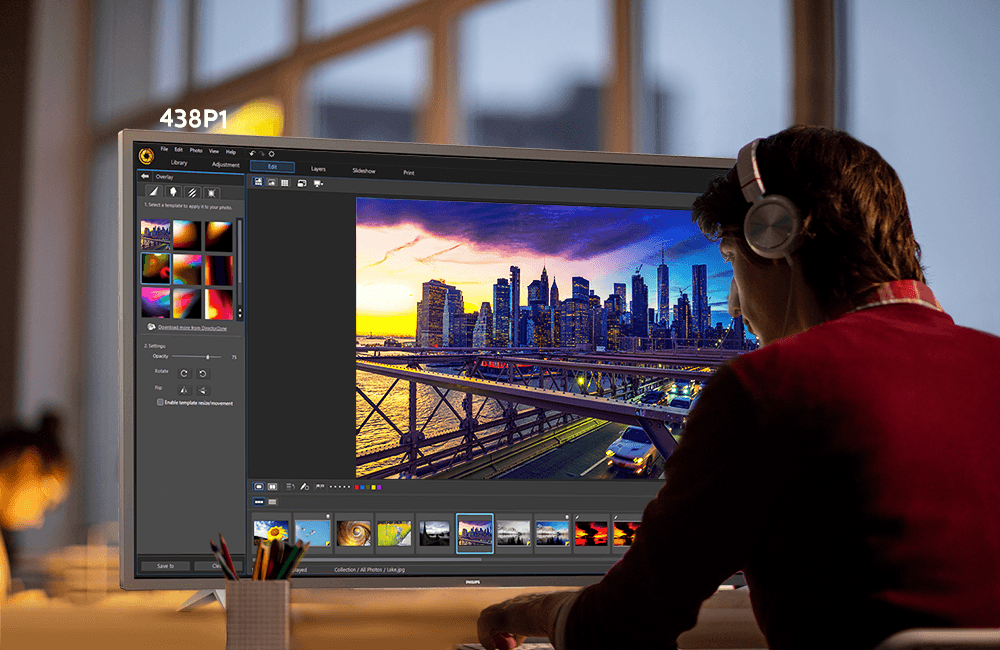
Eight Reasons To Get A 4K Monitor That’s Over 40”
Large display monitors are especially important for productivity, enabling multi-tasking, side-by-side comparisons and more.
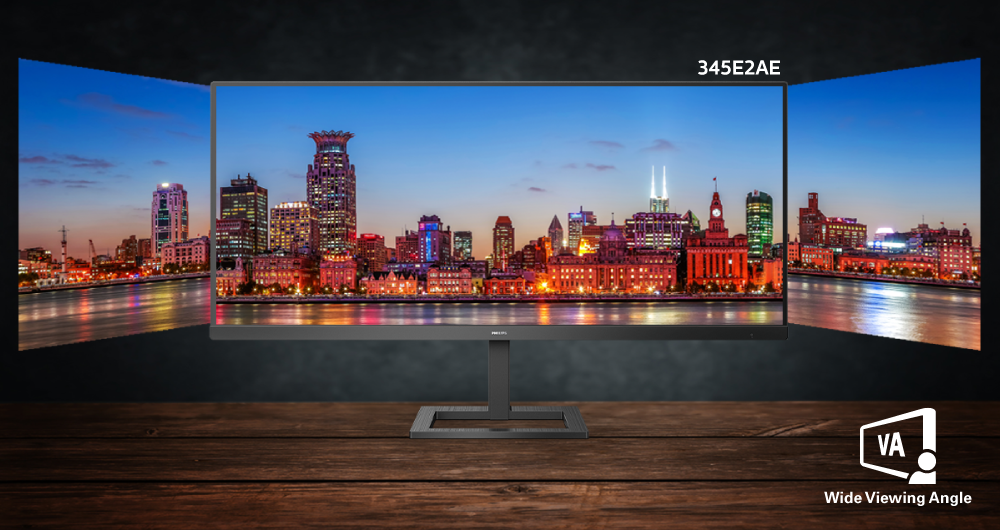
Enhanced User Experience With the E2 Series
The E2 Series, our new family of IPS monitors, brings together a host of high-performance features to enhance your overall user experience.

Philips 21:9 Displays Deliver ‘Work and Play in One’
Enhanced productivity and entertainment.
Optimized Comfort with SmartErgoBase
Philips Monitors is known for superior image quality and performance, but in designing our products, we also take ergonomics into careful consideration.
Simply Stunning UltraClear UHD
When it comes to a display monitor’s picture quality, there should be no compromise. This is why 4K2K, also known as Ultra High Definition (UHD), has become an industry standard that is much sought after in businesses and homes.
Three Reasons Why Frameless is Fantastic
Stylish and functional, our 4-sided frameless display, the 275E2F, is designed for multiple applications. But there are three main reasons why this frameless monitor stands out in a crowd – it is aesthetically pleasing, offers seamless viewing and is great for multi-monitor setups. Beyond that, it is packed with features for great performance, including IPS LED, 1ms and SmartContrast.
Guide to Assemble UltraWide Curved Series Monitor
Assembling a new display may sound like a tough task. Not to worry! Read this simple guide if you have a new UltraWide curved series monitor. Understanding these Dos and Don’ts will surely help you get your new monitor up and running in no time.